Mod-manager profiles
Profiles allow you to easily separate your mods, think of it as Minecraft modpacks. For now, you can just use the Default profile, but when you decide to start separating your mods, you can use Create new button to make a new profile which won't have any mods by default.
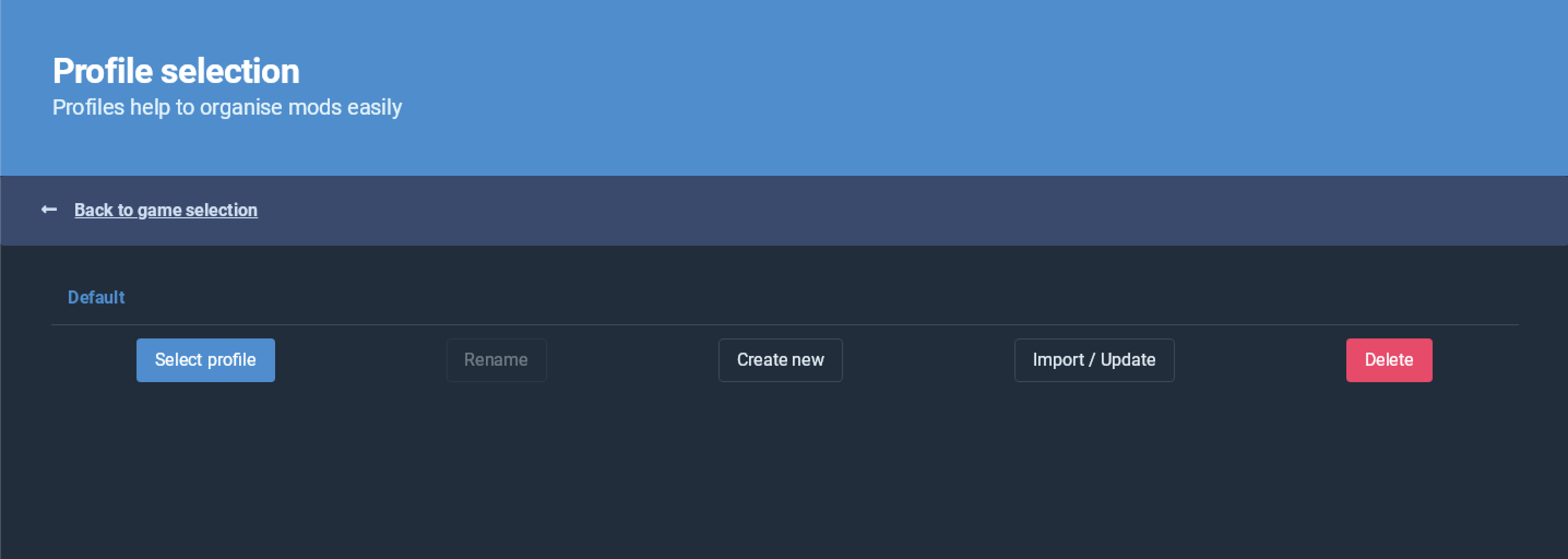
Another useful feature of profiles, is that you can share them with other people.
Importing profiles
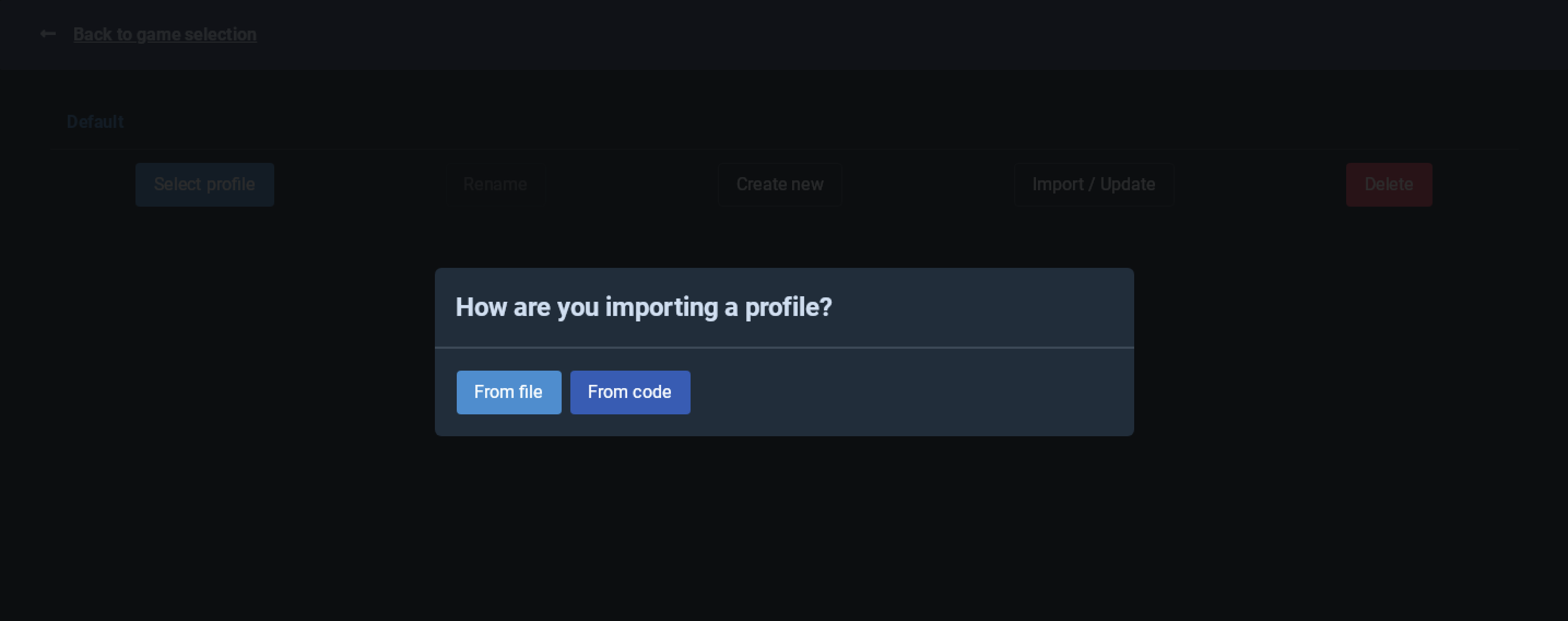
To import someone else's profile, press Import/Update button on profile selection screen and use the From code option where you will be able to enter the code you have.
Exporting profiles
If you want to share your profile, you can do that by going to Settings, selecting the Profile tab and using the Export profile as code option. This will copy a code to clipboard that you can now paste somewhere to share.